What to Expect from a Link Safety Check
How to use a link check as a practical pause point, understand its limits, and choose a safer next step without handing over trust to a score.
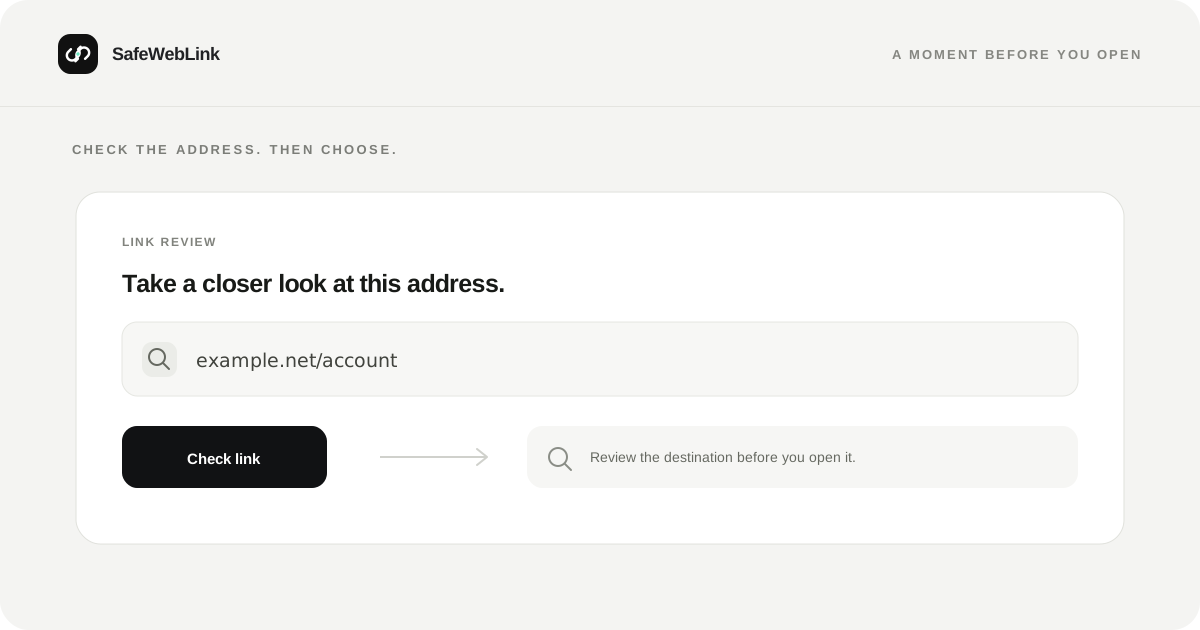
A link check is useful for one reason: it gives you a moment to look at an address before you decide what to do with it. It can surface warning signs, but it cannot know why a message arrived or what the person behind it intends.
What a link check is for
When you paste an address into SafeWebLink, it reviews the URL and returns a plain-language result. The goal is to help you notice when a destination deserves a closer look before you open it.
That makes a scan a useful first step when a link arrives unexpectedly, uses an unfamiliar domain, or asks you to act quickly. Read the destination shown in the result and compare it with what you expected to receive. If the organization matters, reach it through its official app, a saved bookmark, or contact details you already trust.
What a result cannot establish
A URL check is not the same as a full browser inspection. It cannot show you everything that may happen after a page loads, and a result cannot establish who sent the message or whether the request is legitimate.
Websites can change, redirect, or be compromised. New and less common domains may have little public history. A clean result therefore means only that the check did not surface a major warning; it is not a certificate of trust.
HTTPS is useful because it encrypts the connection to the named host. It does not prove that the host belongs to the organization named in an email or text. CISA’s phishing guidance recommends verifying suspicious messages through a trusted route.
Make the next step a safe one
- Check the actual destination. Look at the domain in the result, not just the company name or logo in the message.
- Verify important requests separately. Open the organization’s app or type its familiar address yourself. Don’t use the message’s link or phone number to confirm the message.
- Keep credentials out of uncertain pages. Be especially careful with passwords, payment details, and one-time codes.
- Treat private links as private. Password-reset, sign-in, and invitation links can include personal tokens. Don’t post the full URL in a public chat or forum.
- Act quickly if you already shared information. Change a reused password through the official service, review active sessions, and contact your bank directly if payment details were involved.
The URI standard describes how addresses identify hosts and resources, but deciding whether a request is genuine still depends on context. A scan can help you inspect the address; you bring the context.
Have a link to review? Open the SafeWebLink scanner.